How to Ask Customers for a Google Review (15 Text & Email Templates)
WebScaling Team · October 06, 2026 · 11 min read
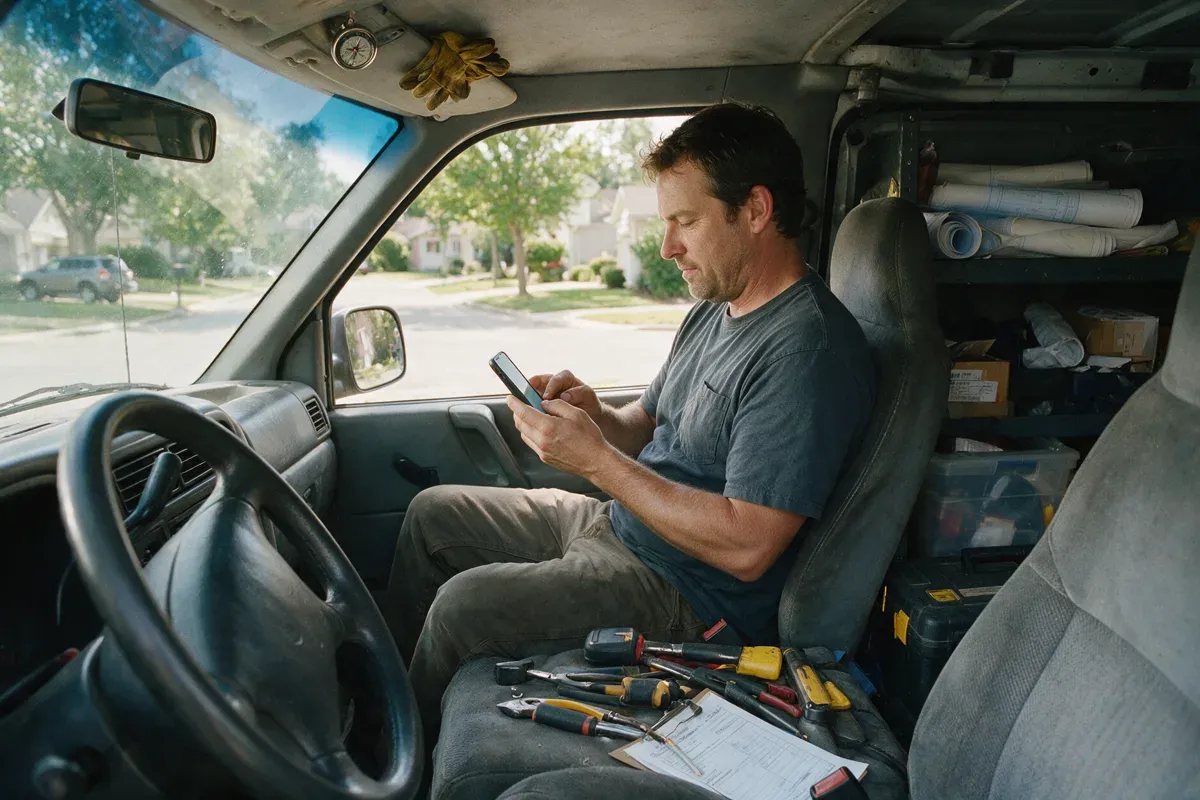
Quick answer: Ask every customer right after the job or visit, while the experience is fresh. Send a short text or email that thanks them by name, mentions something specific about the job, includes your direct Google review link and makes it clear there's no pressure. Never offer a reward, ask for five stars or only ask the customers you think are happy.
Below: the timing, a 4-part formula, the rules Google and the FTC actually set, and 15 copy-and-paste text and email templates, plus two in-person scripts and trade examples.
When to ask for a Google review
The best moment is right after the job or visit, while the customer still remembers the details and has their phone in hand.
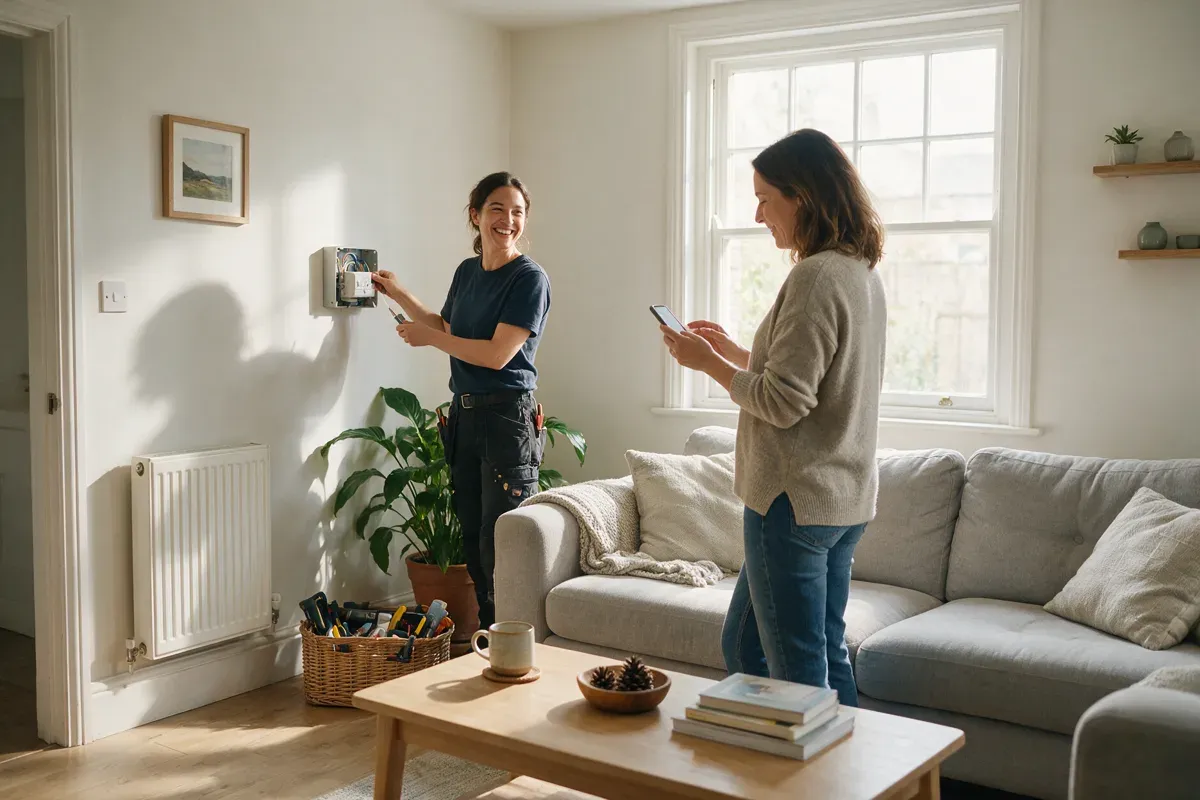
Trades and home services: within an hour or two of finishing, once the customer has seen the result.
Appointments (clinics, salons, dentists): a little after the visit, once they're home.
Auto repair: after the car has been collected and paid for.
Big projects (roofs, extensions, renovations): at handover, not after each stage.
Avoid late evenings and early mornings, and don't wait weeks.
Before you send anything, get your direct review link. In your Business Profile, select Read reviews, then Get more reviews, then Copy (Google's steps here). You can save a QR code there too, but only from a computer browser. More detail: our guide on how to find and share your Google review link.
The 4-part formula for every review request
Every template below follows the same four steps:
Thank them. Use their name and thank them for choosing you.
Add one personal detail. The job, the visit, the problem you fixed. It shows a real person sent it.
Give a one-tap link. Your direct Google review link, not your website and not "search for us on Google".
Take the pressure off. "If you have a minute" or "no worries if not". Ask once, kindly, and let them decide.
Keep texts to two or three sentences and emails to one phone screen.
What you can and can't say when asking for reviews
Asking for reviews is allowed, within clear limits set by Google's Maps content policy (checked October 2026):
You can | You can't |
|---|---|
Ask every customer for an honest review | Only ask the customers you think are happy |
Say "we'd appreciate your feedback" | Ask for "5 stars" or try to influence the rating |
Send one request and a polite reminder | Offer a discount, gift, prize draw or payment for a review |
Hand over the link so they can review later | Pressure customers to leave a review while they're still on your premises |
Thank customers who do leave a review | Tell customers what to write, or ask them to name a staff member |
Fix a problem and still ask for a review | Discourage or block negative reviews |
The same policy also rules out review quotas for staff, "rate us first" filters that only send happy customers to Google, and reviews from staff or family (a conflict of interest). It also lists "unusual volumes or patterns" of reviews as a sign of rating manipulation, so a steady request after every job is safer than texting your whole contact list in one afternoon.
In the US, the FTC's Consumer Reviews and Testimonials Rule has been in effect since October 21, 2024. According to the FTC's own Q&A, you can't offer an incentive that's conditional on a positive review, and asking only customers you think are happy "could violate the FTC Act". Google bans incentives completely. The simple rule: ask everyone, the same way, for nothing in return.
A quick word on texting customers
Only text customers who gave you their number and agreed to hear from you, for example via a line on your booking form. Say who you are, add an easy way out such as "Reply STOP to opt out", and stop texting anyone who replies STOP. Rules for business texting differ by country, so check what applies where you work.
15 review request templates you can copy
Replace everything in [brackets] and tweak the wording so it sounds like you. Every text is under 300 characters including the link.
Text message (SMS) templates
1. Short and simple
Hi [Name], it's [Your name] from [Business]. Thanks for choosing us today! If you have a minute, we'd really appreciate a quick Google review: [review link]. Reply STOP to opt out.
2. Mentioning the job
Hi [Name], thanks again for having us out to [job, e.g. fix the leaking tap] today. If you're happy to share how it went, here's our Google review link: [review link]. It only takes a minute. [Business]. Reply STOP to opt out.
3. From the person who did the work
Hi [Name], [Your name] here from [Business]. It was good to meet you today. If you've got a moment, an honest Google review really helps a small business like ours: [review link]. Thanks! Reply STOP to opt out.
4. After an appointment
Hi [Name], thanks for visiting [Business] today. We hope everything went well. If you'd like to share your experience, you can leave a Google review here: [review link]. No worries if not! Reply STOP to opt out.
5. When the customer texts you "thanks"
You're very welcome, [Name]! Glad we could help. If you ever have a minute, a Google review would mean a lot to us: [review link]. Thanks again!
Email templates
6. Simple thank-you email
Subject: Thanks from [Business]
Hi [Name],
Thank you for choosing [Business] for your [job/visit] on [day]. We hope everything is just how you wanted it.
If you have a minute, we'd really appreciate an honest review on Google. It helps other people in [area] find a business they can trust.
Leave a review: [review link]
Thanks again,
[Your name], [Business], [phone]
7. After a bigger project
Subject: Your [project] is finished. How did we do?
Hi [Name],
Now that your [project, e.g. new bathroom] is complete, thank you for trusting us with it, and for your patience along the way.
If you'd be willing to share your experience, you can leave a Google review here: [review link]
And if anything isn't quite right, just reply to this email and we'll sort it.
Best regards,
[Your name], [Business]
8. Personal note from the owner
Subject: A quick favour?
Hi [Name],
I'm [Your name], the owner of [Business]. I just wanted to thank you personally for choosing us for [job/visit].
We're a small local business, and reviews help people nearby find us. If you have a minute, an honest review would help a lot: [review link]
Thank you,
[Your name]
9. After you've fixed a problem
Subject: Thanks for your patience, [Name]
Hi [Name],
Thank you for giving us the chance to put [the issue] right. I'm glad it's sorted now, and I'm sorry it took more than one visit.
If you'd like to share your experience, good or bad, you can leave a Google review here: [review link]. We read every one.
Thanks,
[Your name], [Business]
In-person scripts
Asking face to face works, but don't pressure customers to review there and then: Google's policy says businesses shouldn't require or pressure reviews while customers are on the premises. Ask, then send the link for later.
Script A: At the end of the job
"That's everything done. Thanks for having us, [Name]. One small thing: we're a local business and Google reviews really help us. I'll text you our review link, and if you get a minute later, an honest review would be great. No pressure at all."
Script B: When a customer says something nice
"Thank you, that's really kind. Would you mind if I sent you our Google review link? If you have time later, it would help other people find us."
Script B is fine as long as every customer still gets a request, not just the ones who compliment you.
Follow-up reminders
Send one reminder a few days later, then stop.
10. Text reminder
Hi [Name], [Your name] from [Business] again. Just a gentle reminder in case our last message got buried. If you have a minute, here's our Google review link: [review link]. Thanks either way! Reply STOP to opt out.
11. Email reminder
Subject: Still happy with your [job/visit]?
Hi [Name],
Just checking everything is still working well after your [job/visit] last week. If there's anything we can help with, reply to this email.
And if you didn't get a chance before, you can still leave a Google review here: [review link]. This is the last time we'll ask.
Thanks,
[Your name], [Business]
Examples by trade
12. Plumber (text)
Hi [Name], thanks for calling [Business] about the [leak/blocked drain/boiler] today. We hope everything's running smoothly. If you have a minute, an honest Google review would really help us: [review link]. Reply STOP to opt out.
13. Dentist or clinic (text)
Hi [Name], thank you for visiting [Practice name] today. If you'd like to share your experience, you can leave a Google review here: [review link]. Reply STOP to opt out.
For healthcare, keep it generic: never mention the treatment or the reason for the visit in a review request. Texts can pop up on a lock screen that other people see.
14. Salon or barber (text)
Hi [Name], thanks for coming in to see [Stylist] at [Salon] today! We hope you love your new [cut/colour]. If you have a minute, we'd really appreciate a Google review: [review link]. Reply STOP to opt out.
Naming the stylist in your message is fine. Asking the customer to name them in the review isn't: Google says you shouldn't request specific content.
15. Auto repair (email)
Subject: Thanks for bringing your [car model] to [Business]
Hi [Name],
Thanks for trusting us with your [car model]. We hope it's driving well after the [service/repair].
If you have a minute, an honest Google review helps other drivers in [area] find a garage they can rely on: [review link]
If anything doesn't feel right, just call us on [phone] and we'll take another look.
Thanks,
[Your name], [Business]
Common mistakes
Waiting too long or sending people to "search for us" instead of the direct link.
Forgetting on busy days, which are exactly the days you serve the most customers.
Chasing. One request and one reminder, then let it go.
Ignoring the reviews you get. Reply to every one (see how to reply to Google reviews).
For more ways to get reviews beyond the request itself, see how to get more Google reviews.
How to automate review requests
The hard part isn't the wording. It's sending a request after every job, including the days you finish at 7pm. A good automated setup has:
A trigger: a job marked complete, an appointment ending or a deal reaching a chosen stage in your CRM.
Your wording: one of the templates above, filled in with the customer's name and your review link, by text, email or both.
One reminder, then stop.
Every customer, the same way: no rating step, no filtering, no rewards.
Replies in one inbox, so if someone answers with a problem, you can fix it.
That's how our Google review automation works. Requests go out after each completed job or appointment, a single reminder follows if needed, and you can reply to your Google reviews from the same dashboard as your calls and messages, with AI drafting a personal reply to each one for you to post or approve.
Book a free call: a 20-minute call where we look at how your jobs finish and when a review request would feel natural for your customers. No obligation.
FAQ
Is it OK to ask customers for Google reviews?
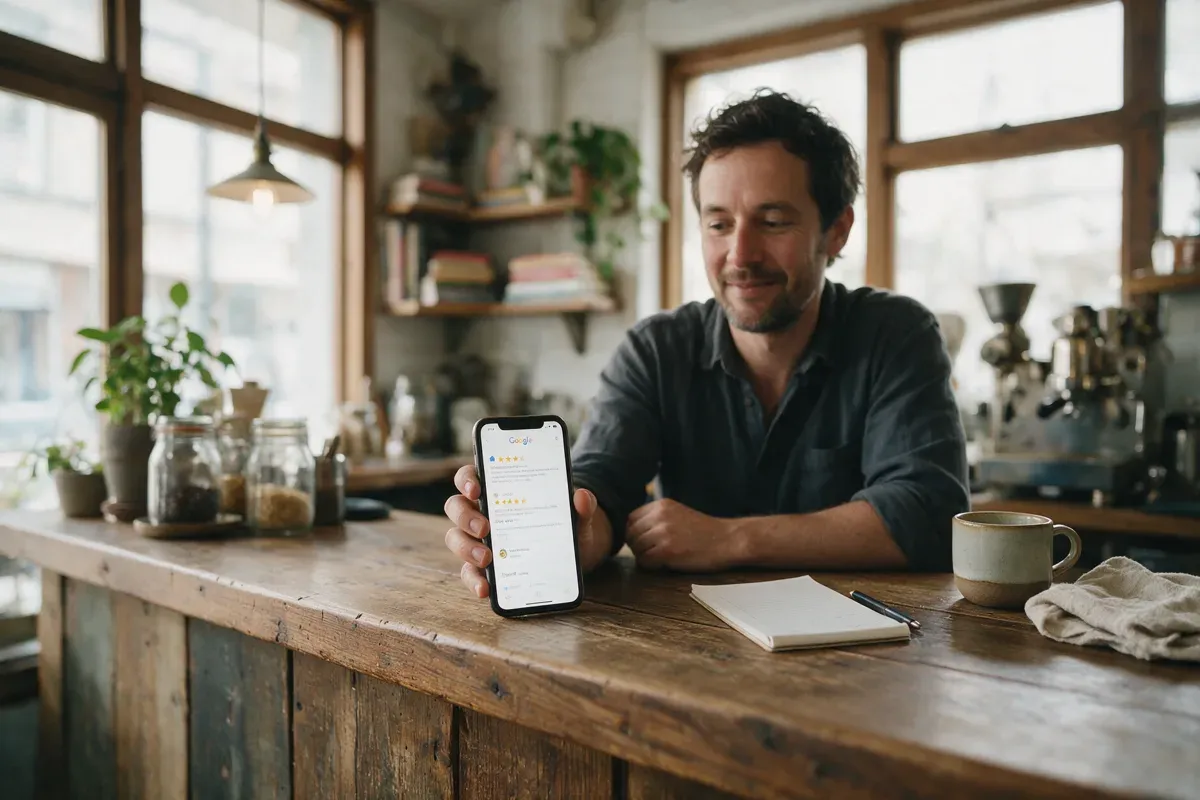
Yes. Google allows businesses to ask customers for reviews that reflect a genuine experience. What isn't allowed is offering incentives, asking only happy customers, discouraging negative reviews or trying to influence the rating or what customers write.
How do I politely ask for a Google review?
Thank the customer by name, mention the job, include your direct review link and add "if you have a minute". Keep it to two or three sentences.
Can I ask customers for a 5-star review?
No. Ask for an "honest review" instead. Google's policy only allows soliciting reviews without trying to influence the rating or the content, so asking for five stars goes against it.
Can I offer a discount or prize draw for a Google review?
No. Google doesn't allow incentives such as payment, discounts or free goods or services in exchange for reviews, even if you'd accept any rating. Incentivised reviews can be removed.
Should I ask for a review by text or email?
Both work. A text puts a tappable link on the customer's phone. Email suits bigger projects and customers who prefer it. You can also send a text first and use email for the reminder.
How many times should I ask for a review?
Once, plus one gentle reminder a few days later. After that, stop.

WebScaling is a web agency for small businesses in Morocco and around the world: websites, Google Business Profile and reviews, SEO and AI visibility, then ads, AI agents, automations and custom software.