How to Get More Google Reviews: 12 Ways That Work in 2026
WebScaling Team · October 06, 2026 · 11 min read
Quick answer: To get more Google reviews, ask every customer right after the job, while they're happy, and make it one tap by texting your Google review link. Follow up once if they don't respond, put the link on invoices and emails, reply to every review, and automate the request so it never gets forgotten. Never offer rewards or ask only happy customers.
Most local businesses don't have a review problem. They have an asking problem. Below are 12 practical ways to fix that, all within Google's rules, plus the shortcuts that get reviews removed.
1. Ask at the right moment
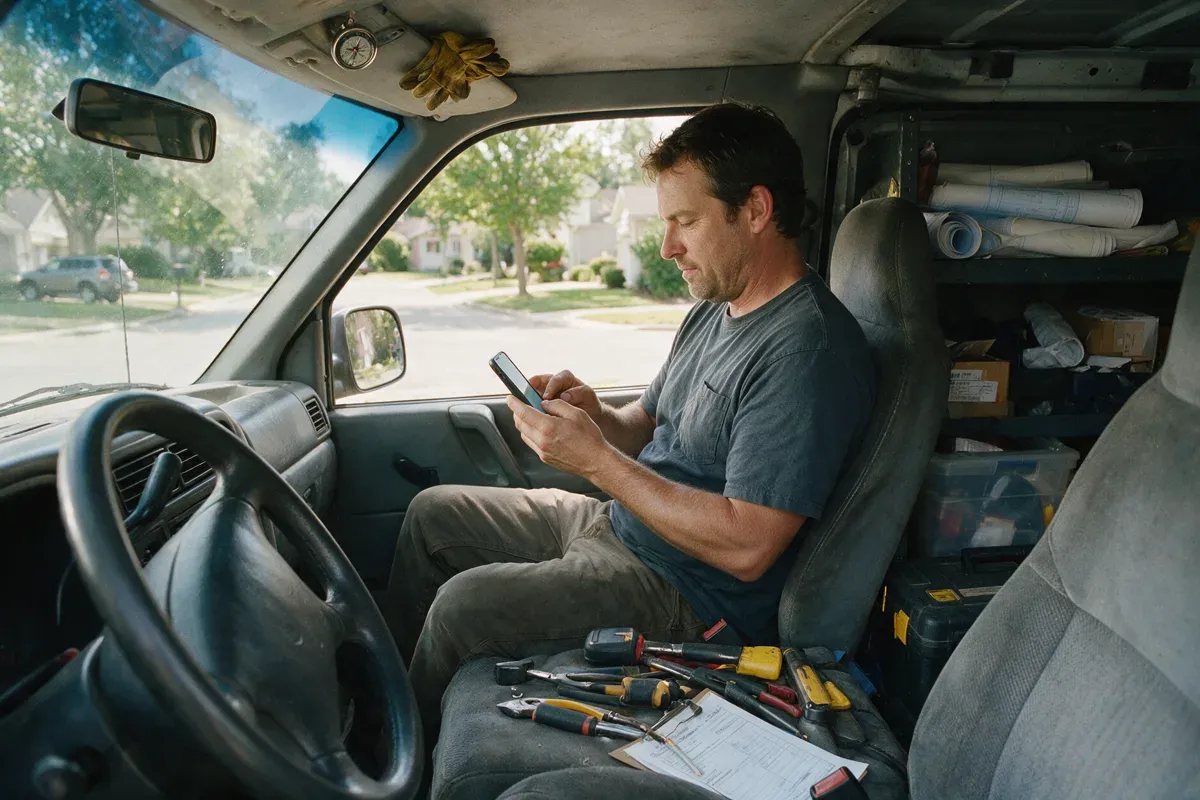
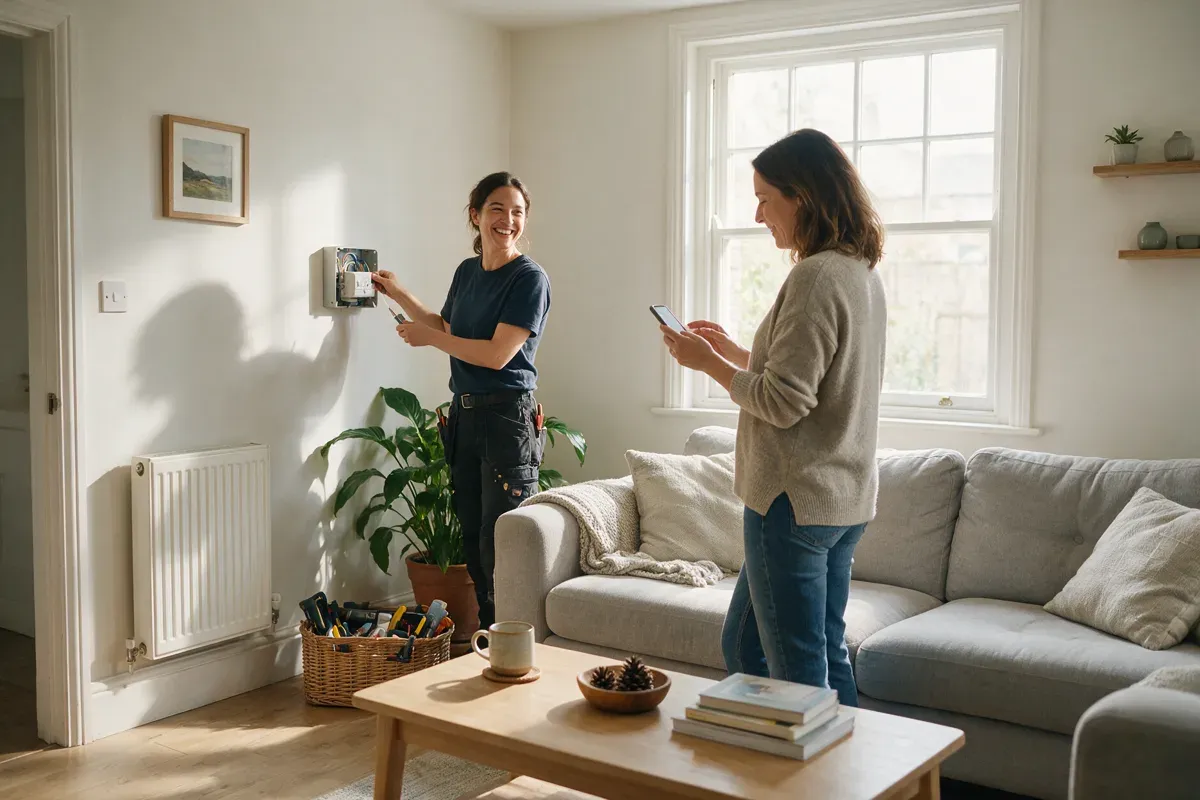
The best time to ask is when the customer is happiest: the leak is fixed, the lights are back on, the car is ready, the haircut looks great. That's usually the same day the job is finished, often within the hour.
Good moments to ask:
When the customer says "thank you" or "that's great".
When you hand over the finished job, keys or invoice.
When a customer replies to a follow-up message saying everything is working.
Wait a week and the moment has passed. For exact wording you can use in person, by text and by email, see our guide on how to ask for Google reviews.
2. Make it one tap with your review link
If a customer has to search for your business and hunt for the "write a review" button, many give up. Your Google review link opens the review form directly.
You'll find it in your Business Profile under Read reviews > Get more reviews. Copy it once, save it on your phone and use it everywhere. Our step-by-step guide shows how to find your Google review link on desktop and mobile, and how to test it before you share it.
3. Text instead of email
For most local service businesses, a short text works better than an email. It arrives on the phone the customer will use to leave the review, it isn't buried under newsletters, and it feels personal when it comes from the business they just dealt with.
Keep it short, use their name and put the link on its own:
Hi Sarah, thanks for choosing Your Business today! If you have a minute, we'd really appreciate an honest Google review. It helps other local people find us: [review link]
Email still works for bigger projects or customers who prefer it. Just don't make it your only channel.
4. Follow up once
Plenty of customers mean to leave a review and simply forget. One friendly reminder a few days later catches many of them.
Hi Sarah, just a quick reminder in case it slipped your mind. Here's the link if you'd like to share your experience: [review link]. Thanks either way!
One reminder is enough. Two or three starts to feel like pressure, and pressure is something Google's policy specifically tells businesses to avoid.
5. Ask every customer (no gating)
It's tempting to only send your link to customers you're sure will give five stars. Don't. Google's review content policy says merchants must not "selectively solicit positive reviews from customers". This is often called review gating.
The same applies to "survey first" funnels, where customers rate you privately and only the high scorers are shown the Google link. Asking for private feedback is fine. Showing the Google option only to happy customers is not.
Asking everyone is also simpler: same request after every job, no judging. Google's own tips page points out that a mix of positive and negative feedback often feels more trustworthy to people reading your reviews.
6. Put your link on invoices, receipts and your email signature
Every document you already send a customer is a chance to ask, without any extra work.
Invoices and receipts: add one line near the total, such as "Happy with the work? We'd appreciate an honest Google review" plus the link or QR code.
Email signature: a small "Review us on Google" link under your name turns every email into a gentle reminder.
Job completion or thank-you emails: put the link on its own line so it's easy to tap.
Your website: a "Leave us a review" link in the footer or on your contact page.
7. Use a QR code at the counter and on cards
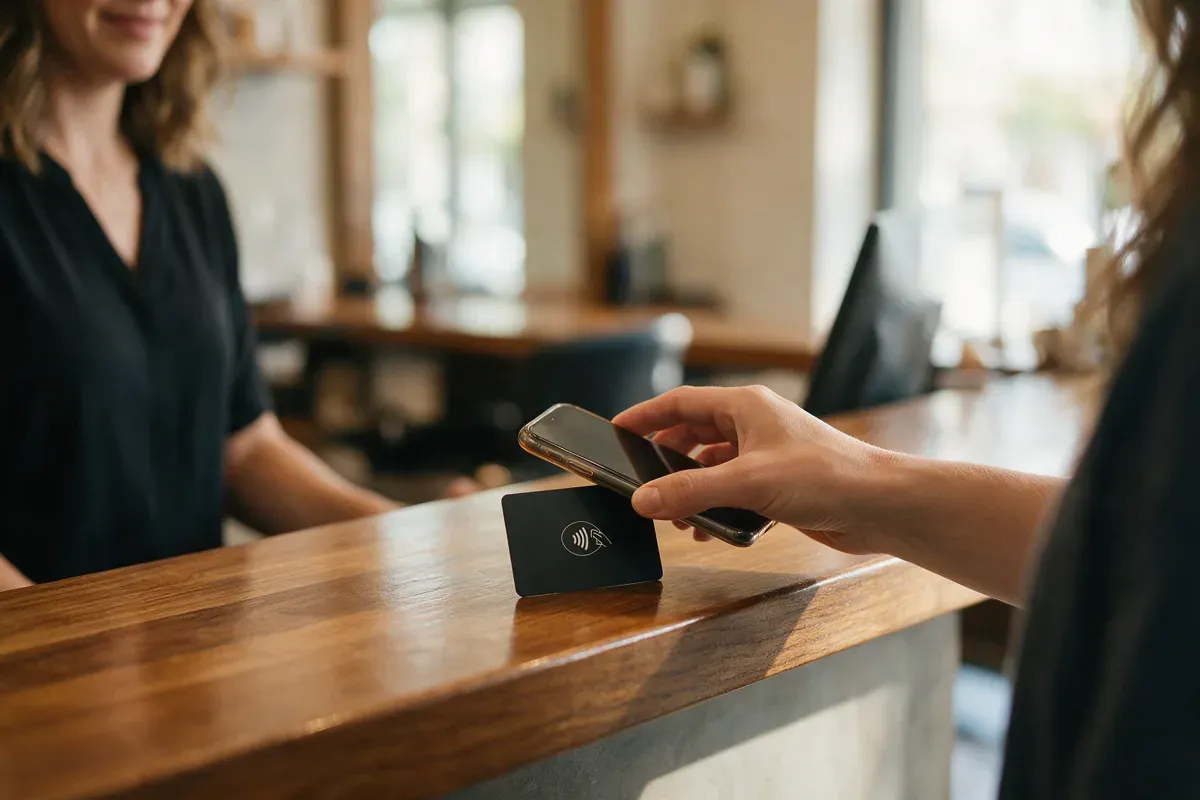
If customers visit you (a salon, clinic, workshop, body shop or showroom), a QR code at the counter lets them review you with their phone camera. If you go to customers, print it on a business card or a small leave-behind card. We cover designs and wording in our guide to Google review cards.
You can download Google's own review QR code from the same Get more reviews box as your link. According to Google's help page, review QR codes can currently only be created in a computer browser, not on a phone.
One rule to remember: Google says merchants should not require or pressure customers to leave ratings or write reviews while on the premises. A QR code on the counter is an invitation. Handing someone a tablet and waiting while they write a review is pressure.
8. Train your staff to ask (without quotas)
Your technicians and front-desk team see customers at the happy moment, so they should know how to ask. Give them one simple line, for example: "If you were happy with today, an honest Google review really helps us. I'll text you the link."
But be careful how you set this up. Google's policy lists two things merchants must not do:
Ask staff to collect a certain number of reviews (review quotas or targets per person).
Ask staff to request reviews with specific content, including content that names a staff member.
So "please mention James by name in your review" and "everyone needs 10 reviews this month" are both out. Train the habit of asking, not a number to hit.
9. Reply to every review
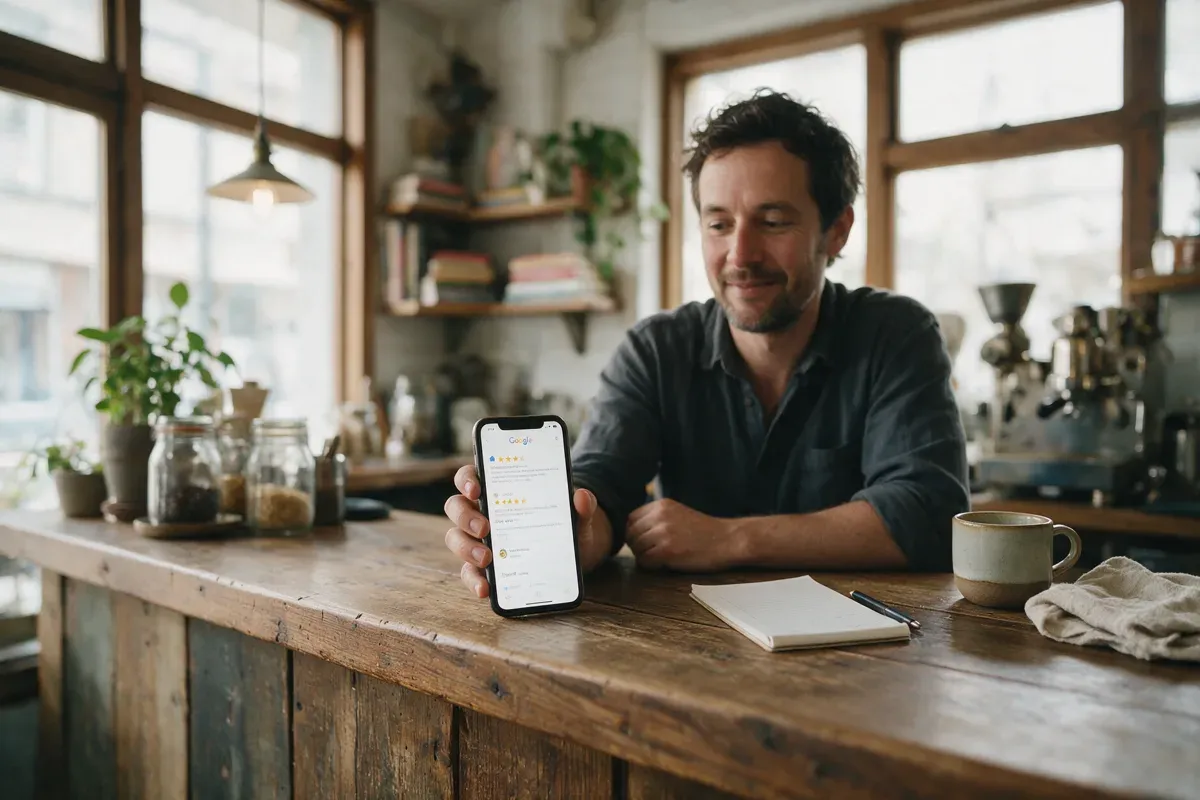
Replying is one of the three tips on Google's own page about getting more reviews. When people see you thank good reviewers and respond calmly to bad ones, they know their review will be read.
Keep replies short and personal. For good reviews, thank the customer and mention something specific. For bad ones, acknowledge the problem, apologise for the experience and offer to sort it out offline. Our guide on how to reply to Google reviews has 25 examples you can copy.
10. Make your Business Profile complete
Customers who click your link land on your Business Profile. If it looks abandoned, it doesn't inspire confidence. A complete profile also helps more customers find you, which means more people to ask.
Check the basics:
The profile is verified and you're signed in with the account that manages it (you need this to get your review link and reply).
Correct business name, primary category, phone number, website and opening hours.
Your services and service area are listed.
Recent photos of your work, team, vehicles or premises.
11. Automate review requests after each job
Every tip above works, but only if someone remembers to do it after every job, on busy days too. That's where most businesses fall down.
The fix is to connect the review request to something that already happens every time: marking a job as complete, sending an invoice or taking a payment. When that event happens, a text with your review link goes out automatically, and one reminder follows a few days later if the customer hasn't left a review. Every customer is asked the same way, which also keeps you on the right side of the "ask everyone" rule.
One extra benefit: automation gives you a steady flow of reviews instead of sudden bursts. Google's policy lists "unusual volumes or patterns" of reviews as a sign of rating manipulation, so a steady trickle from real jobs is better than messaging five years of old customers in a single afternoon. If you do want to contact past customers, spread it out over several weeks.
12. Track your results
Once a month, check three numbers:
Requests sent: how many customers you asked.
Reviews received: how many new Google reviews came in.
Your average rating and how you compare with the businesses that show up next to you on Google Maps.
If requests are high but reviews are low, look at your timing and your message. If requests are low, the asking isn't happening consistently. To work out how many reviews you'd need to catch up with local competitors, try our Google review calculator.
What not to do
These shortcuts can get reviews removed, hurt your profile and, in some countries, break consumer law:
Don't offer rewards for reviews. Discounts, free services, gift cards or prize draws in exchange for a review are not allowed by Google, even if you don't ask for a positive one.
Don't gate. No asking only happy customers, and no funnels that hide the Google link from unhappy ones.
Don't buy reviews or use services that "deliver" reviews.
Don't ask friends, family or employees to review you. Google treats this as a conflict of interest.
Don't write reviews for customers, post them from other accounts or hand customers a ready-made text to paste.
Don't ask for a specific rating or content, such as "five stars please" or "mention our new service".
Don't pressure people on the spot or set staff review quotas.
Don't discourage or threaten negative reviewers. Reply calmly and fix the problem instead.
The law on fake reviews (US, UK and EU)
Google's policy isn't the only thing to think about. Fake reviews are now directly regulated in several markets. This is a short overview, not legal advice.
United States: the FTC's Rule on the Use of Consumer Reviews and Testimonials (16 CFR Part 465) took effect on 21 October 2024. It bans fake reviews, buying positive or negative reviews, incentives conditioned on a particular sentiment, undisclosed reviews by owners, managers and employees, and review suppression, such as using threats to get negative reviews removed. The FTC's questions and answers on the rule also note that asking only happy customers for reviews could violate the FTC Act. The rule itself allows some incentives that aren't tied to sentiment, but Google bans all incentives, so for Google reviews the stricter rule wins.
United Kingdom: under the Digital Markets, Competition and Consumers Act 2024, submitting or commissioning fake reviews and concealed incentivised reviews became a banned practice from 6 April 2025. The CMA's fake reviews guidance says cherry-picking positive reviews can include "encouraging just those who are satisfied to leave reviews".
European Union: Directive (EU) 2019/2161 added submitting or commissioning false consumer reviews to the list of commercial practices that are always considered unfair under EU consumer law.
Get more Google reviews on autopilot
Doing this by hand after every single job, for months, is where it usually breaks down. That's the problem our Google review automation solves.
When you mark a job complete, your customer automatically gets a friendly text with your review link, plus one reminder a few days later if they haven't reviewed yet. Every customer is asked the same way, so there's no gating. AI review replies help you answer every new review quickly, so no customer is left without a response. It's part of the one WebScaling plan, alongside your website, missed call text back and CRM.
Want to see how it would work for your business? Book a free call. It's a 20-minute call with no obligation.
FAQ
How can I get Google reviews fast?
Start with the customers you've served in the last few weeks. Text each of them your review link with a short personal message, then set up a request after every new job. Spread messages to older customers out over time rather than sending them all at once.
Can I offer a discount or gift for a Google review?
No. Google's policy doesn't allow payment, discounts, free goods or services in exchange for any review, positive or negative. Reviews posted because of an incentive can be removed.
Is it allowed to ask customers for Google reviews?
Yes. Google allows businesses to ask for reviews that reflect a genuine experience, as long as you don't offer incentives, try to influence the rating or content, or only ask customers you expect to be happy.
Why do some of my Google reviews disappear?
Google removes reviews it believes break its policies, for example reviews linked to incentives, conflicts of interest such as employees or family, or unusual volumes or patterns of reviews. Asking real customers steadily after each job is the safest approach.
How many Google reviews does a small business need?
There's no official number. What matters is how you compare with the businesses shown next to you on Google Maps, and that new reviews keep coming in. Our Google review calculator helps you set a realistic target.
Do customers need a Gmail account to leave a review?
They need to be signed in to a Google account, but it doesn't have to be Gmail. A Google account can be created with any email address.

WebScaling is a web agency for small businesses in Morocco and around the world: websites, Google Business Profile and reviews, SEO and AI visibility, then ads, AI agents, automations and custom software.